Free Marketing and Business Analytics Excel Templates

free Excel templates, marketing analytics templates, campaign ROI tracker Excel, sales pipeline tracker, CLV calculator, RFM segmentation Excel, marketing funnel dashboard, business analytics Excel
Excel Templates
Ten free Excel workbooks for business and marketing analytics, each with its own page and a sample data sheet to replace with your own figures. For the same frameworks in the browser, with charts and guided demos, see the Marketing Toolkit Hub: 32 free tools, from SWOT and RFM to marketing mix modelling.
Free Workbook Library
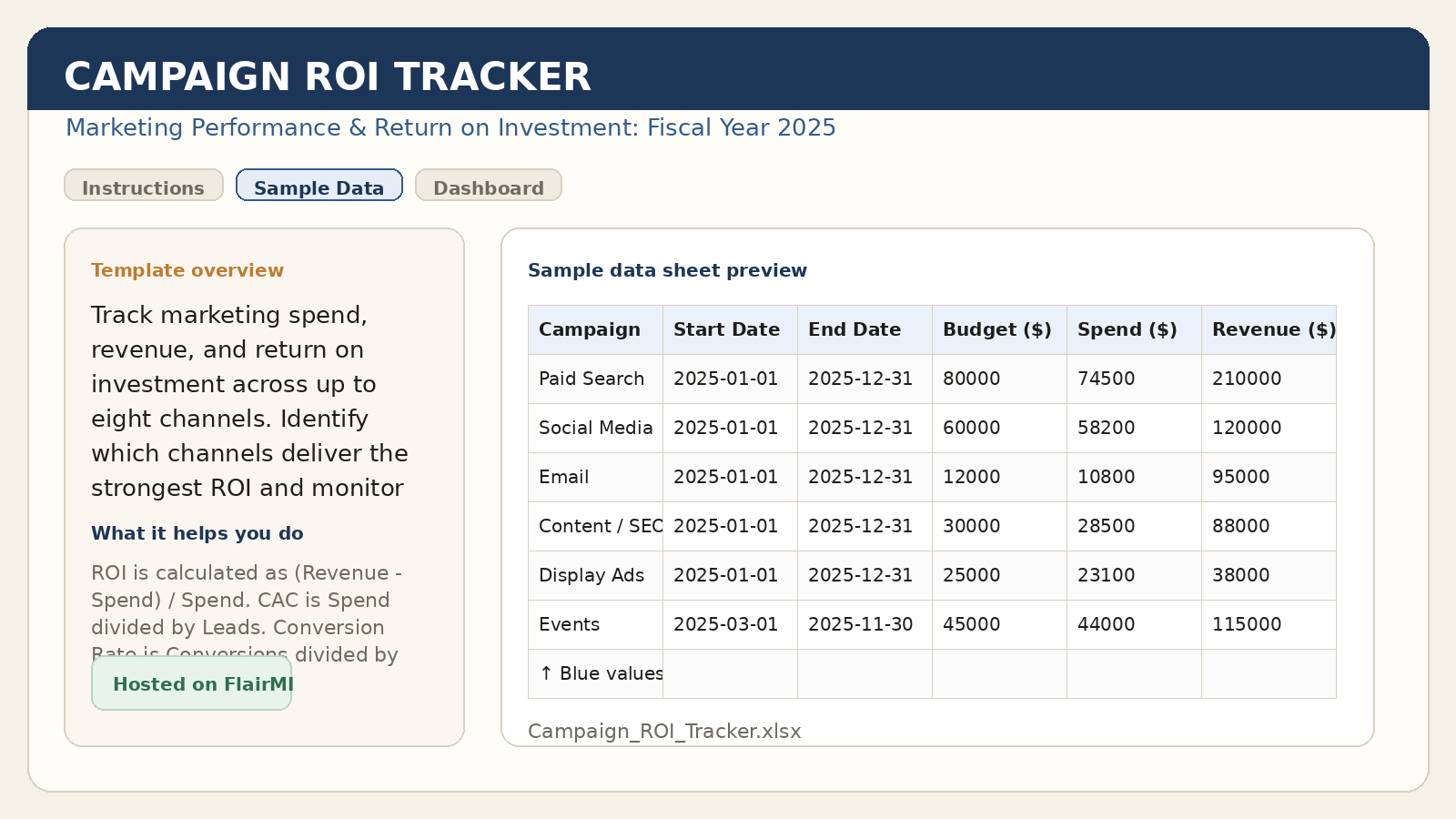
Compare spend, revenue, ROI, CAC, and conversion performance across channels.
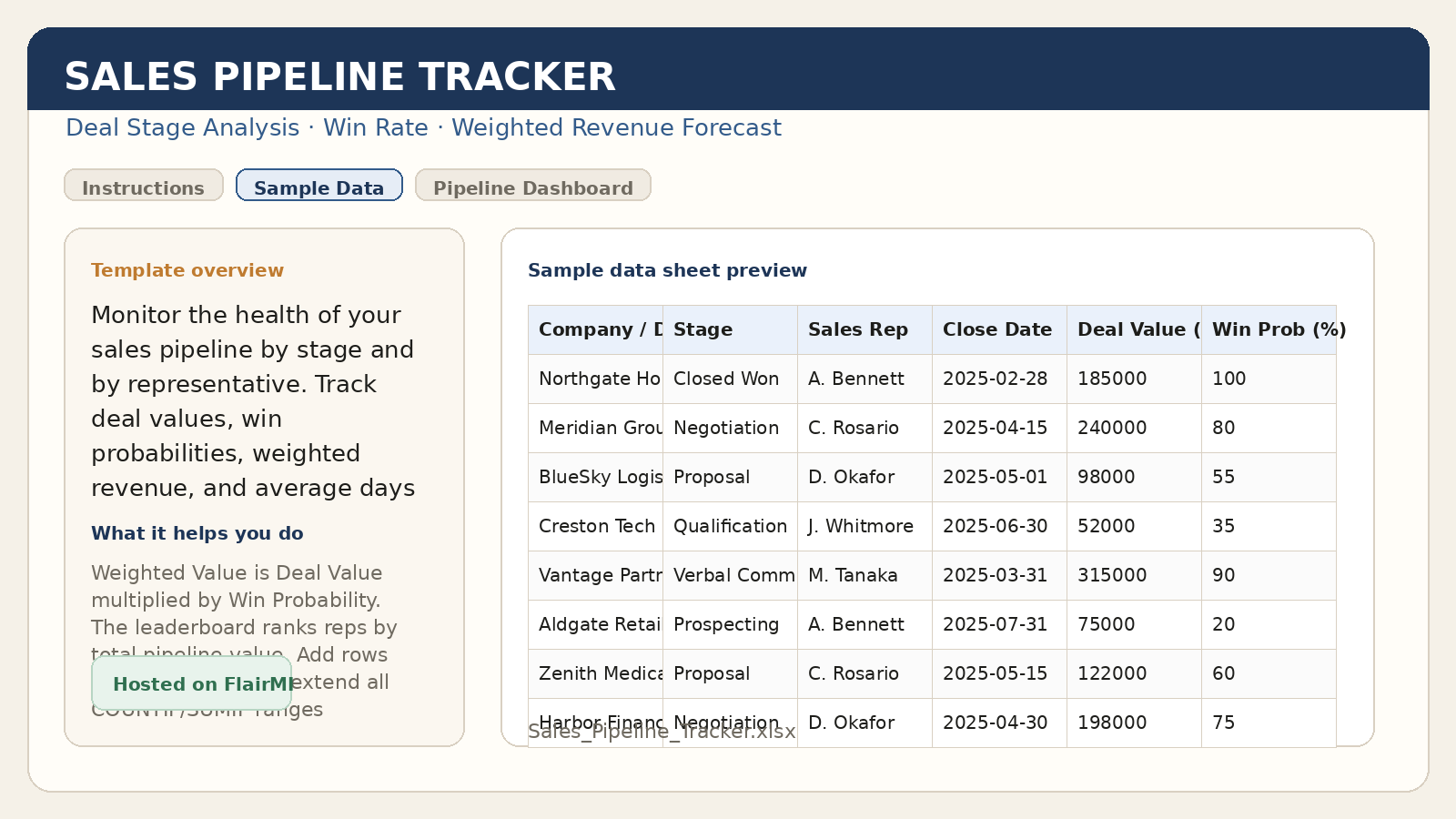
Track deal stages, weighted revenue, and representative-level performance.
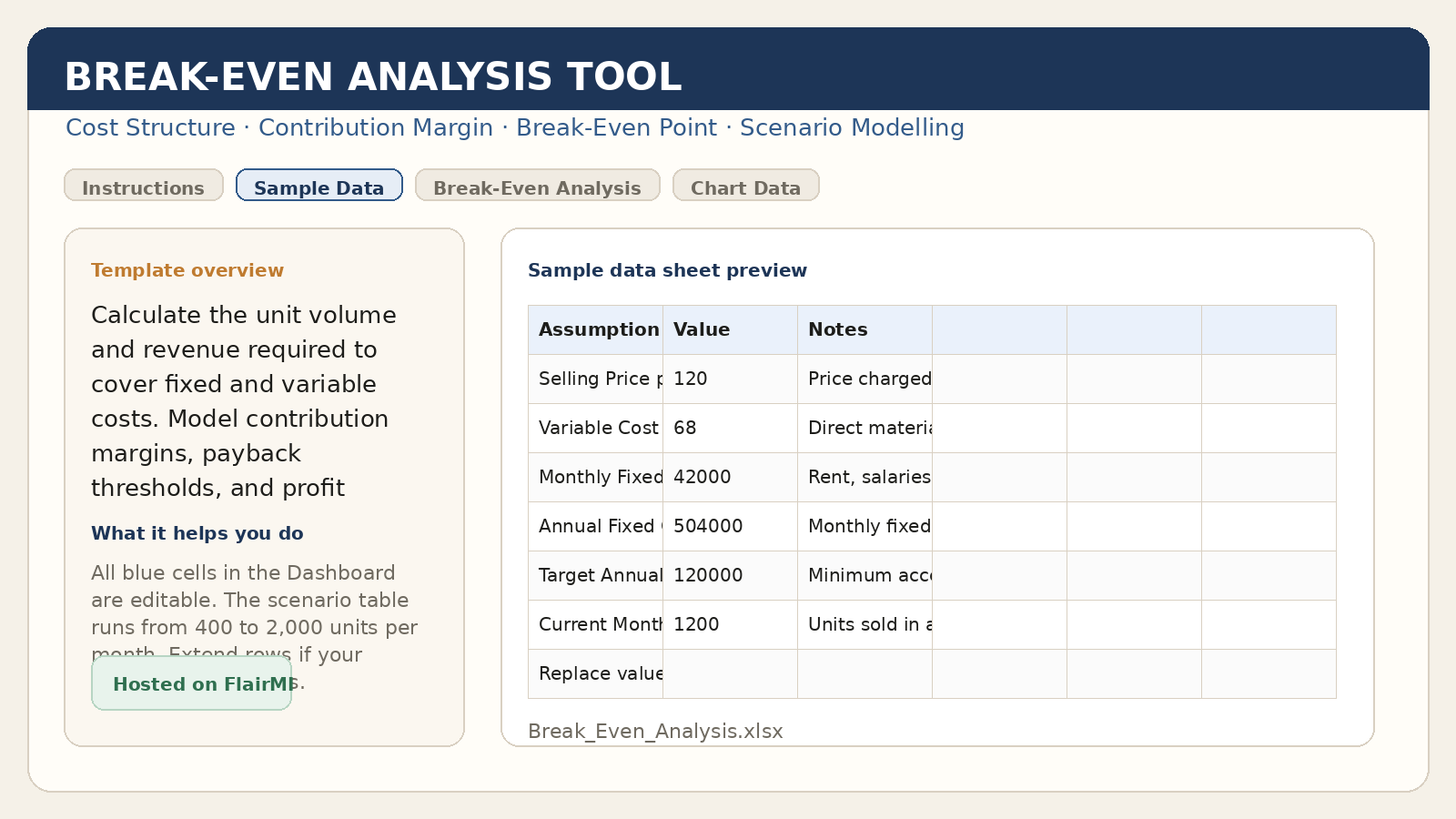
Model unit volume, break-even thresholds, and profit sensitivity.
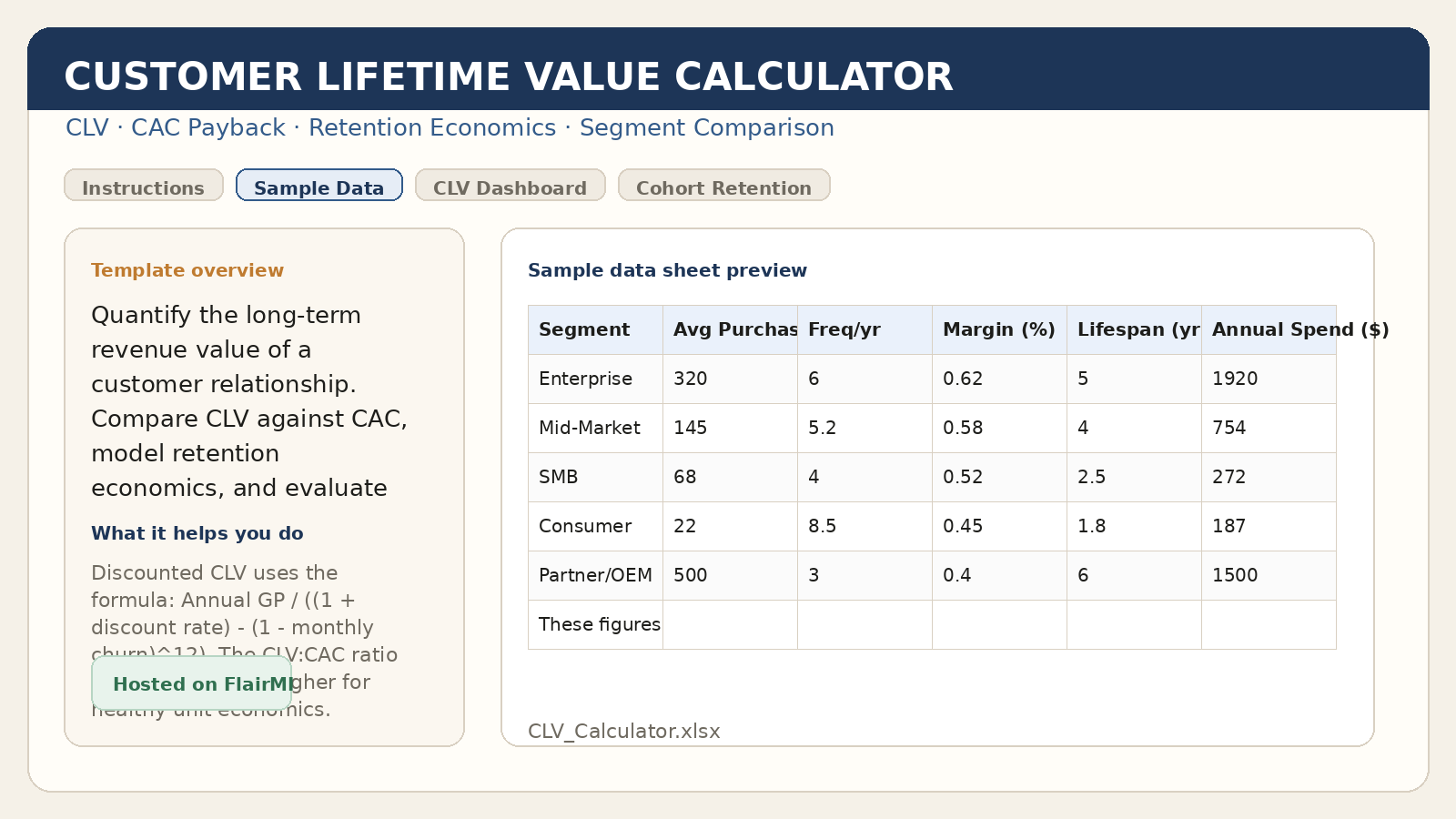
Estimate customer lifetime value and compare segments against acquisition cost.
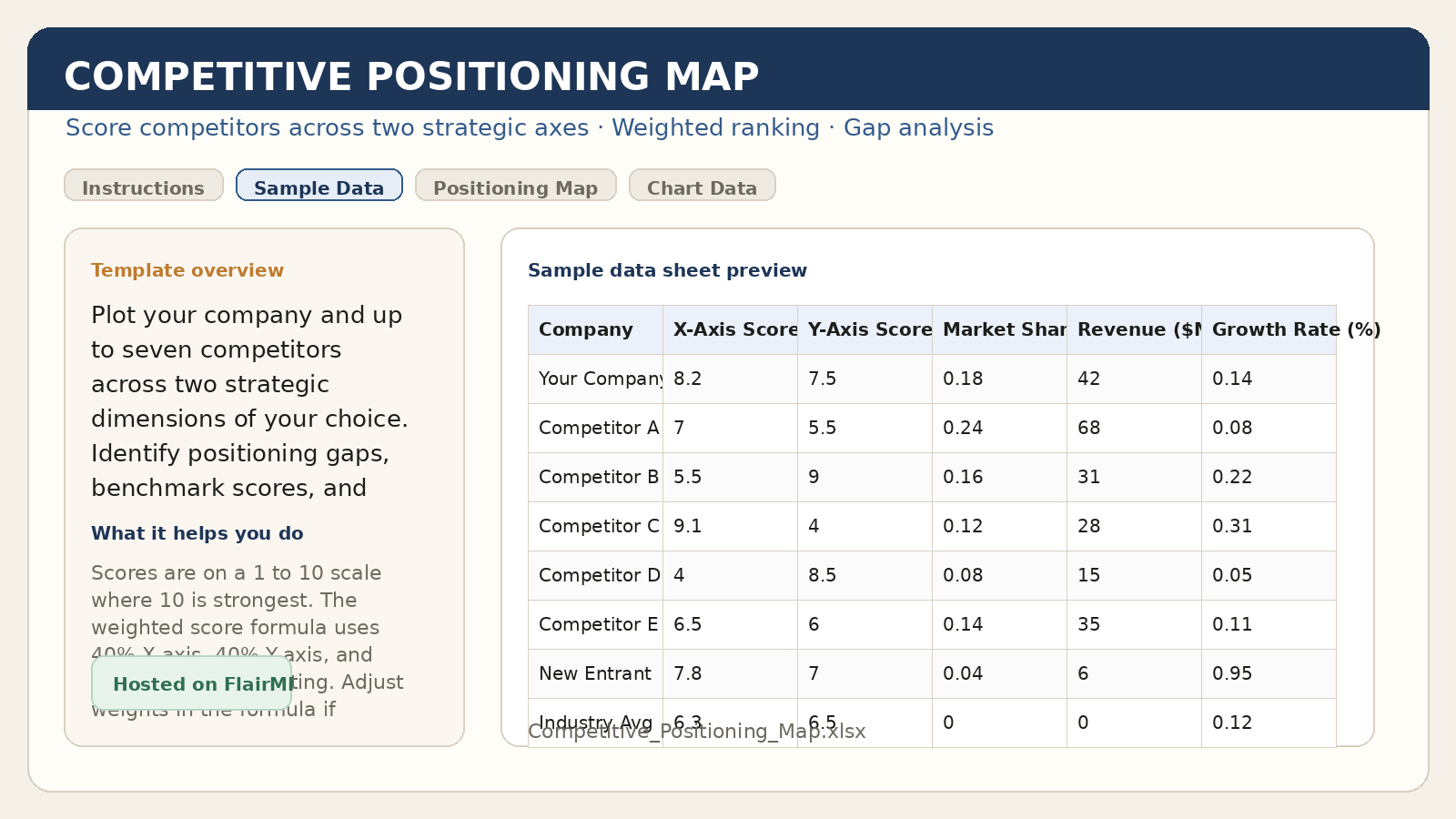
Plot competitors across two strategic dimensions and identify market gaps.
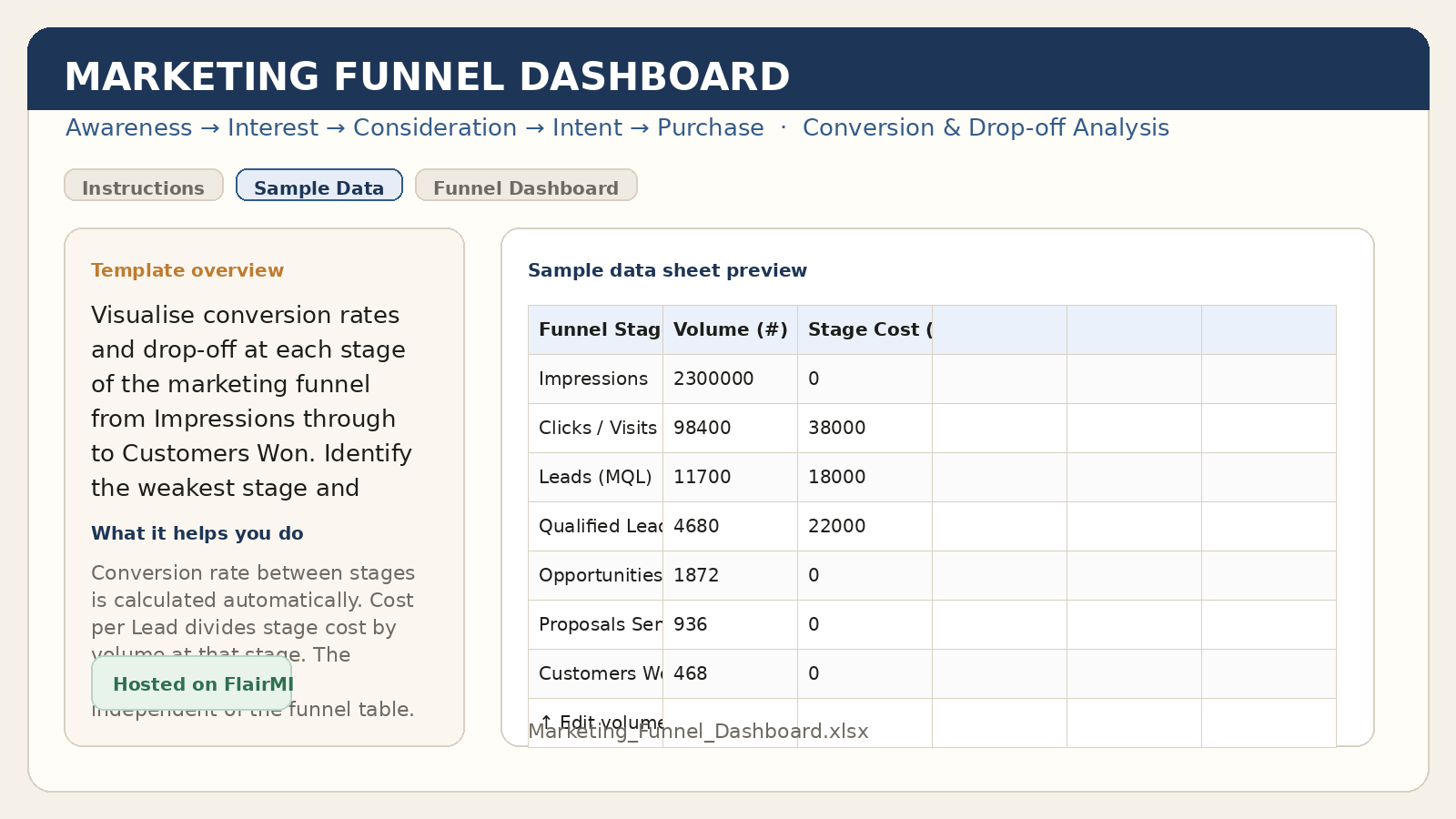
Analyse funnel conversion, drop-off, and channel contribution.
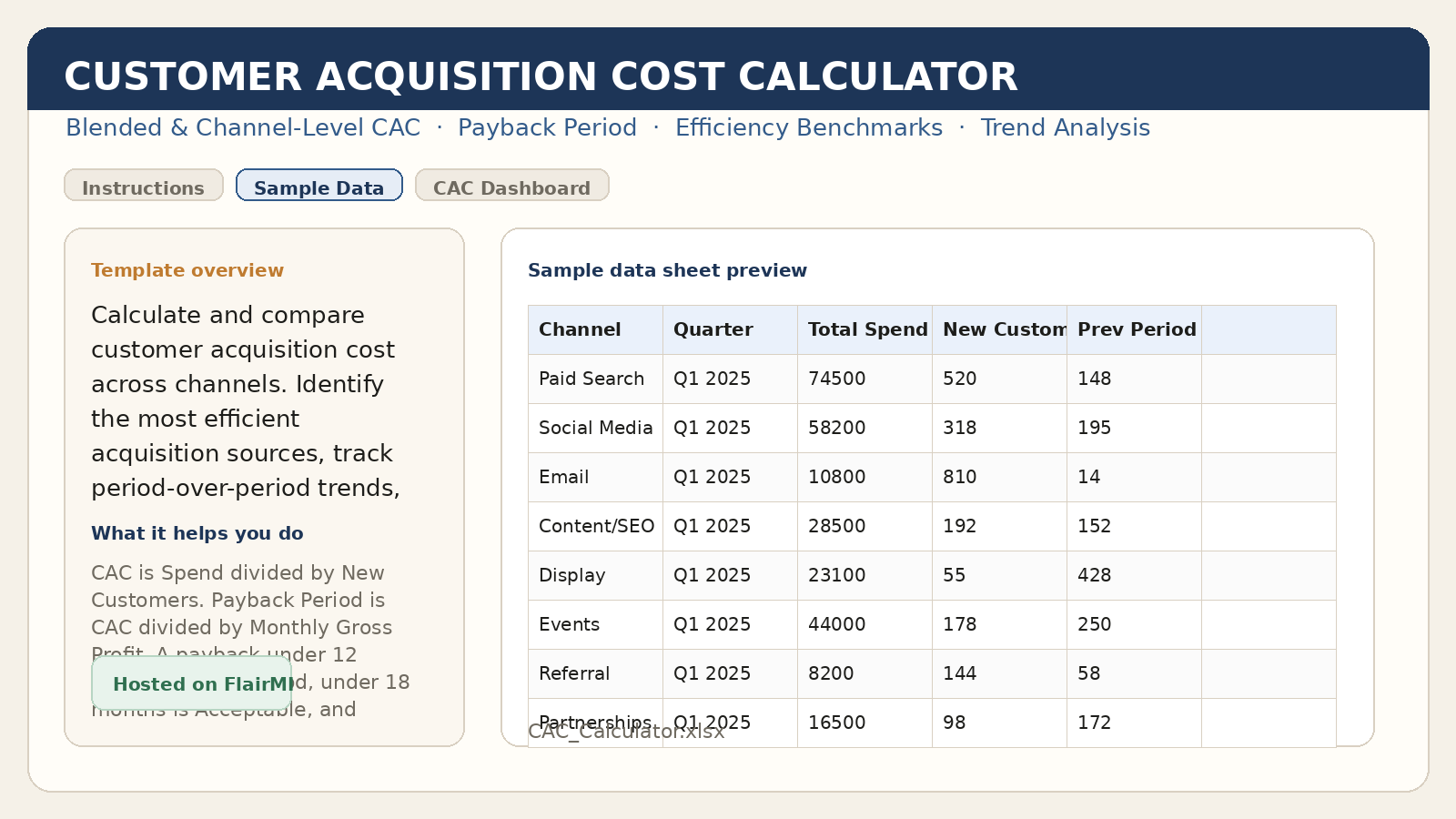
Compare customer acquisition cost by channel and estimate payback period.
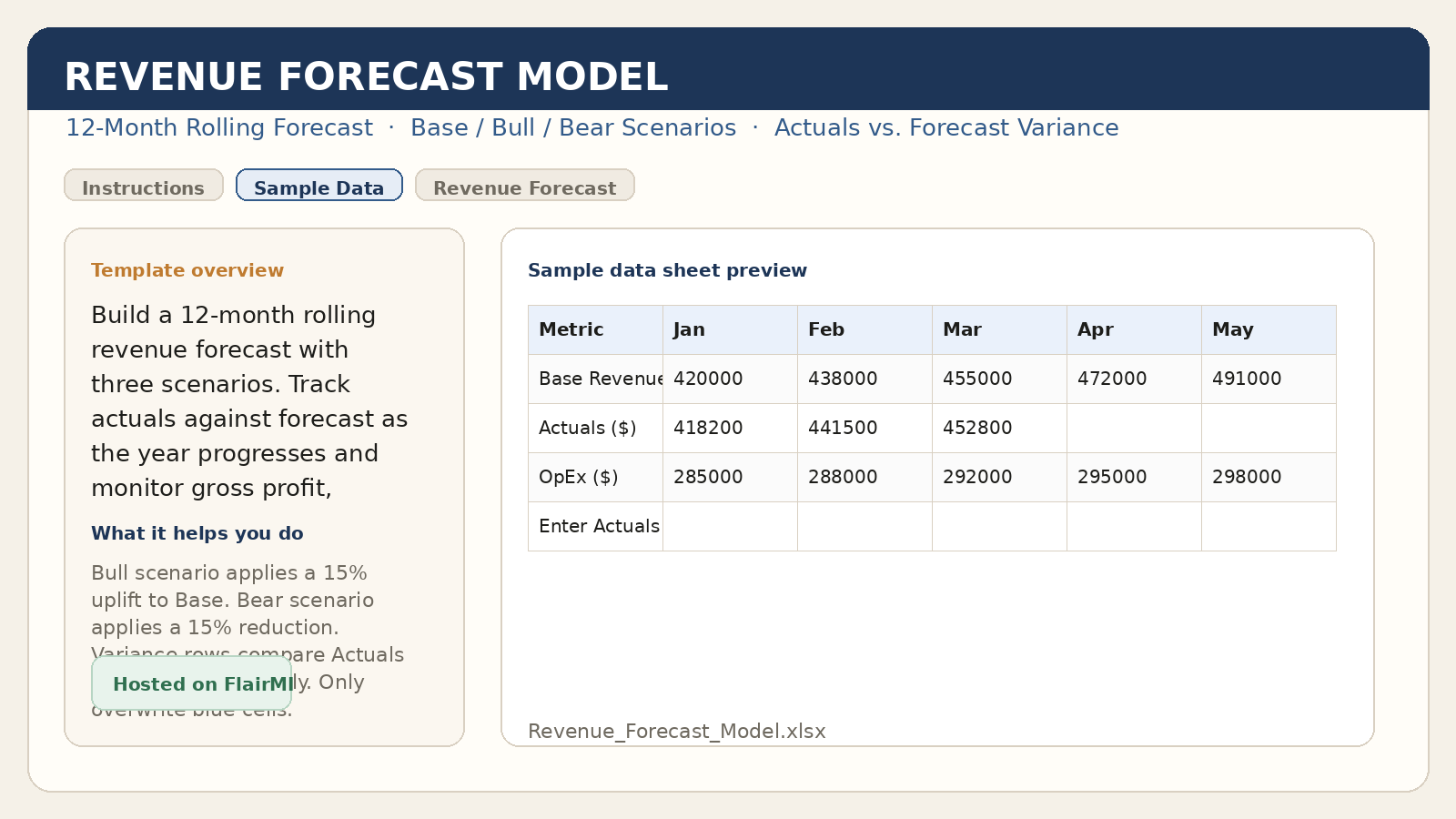
Build a rolling forecast with scenarios and actual-versus-plan tracking.
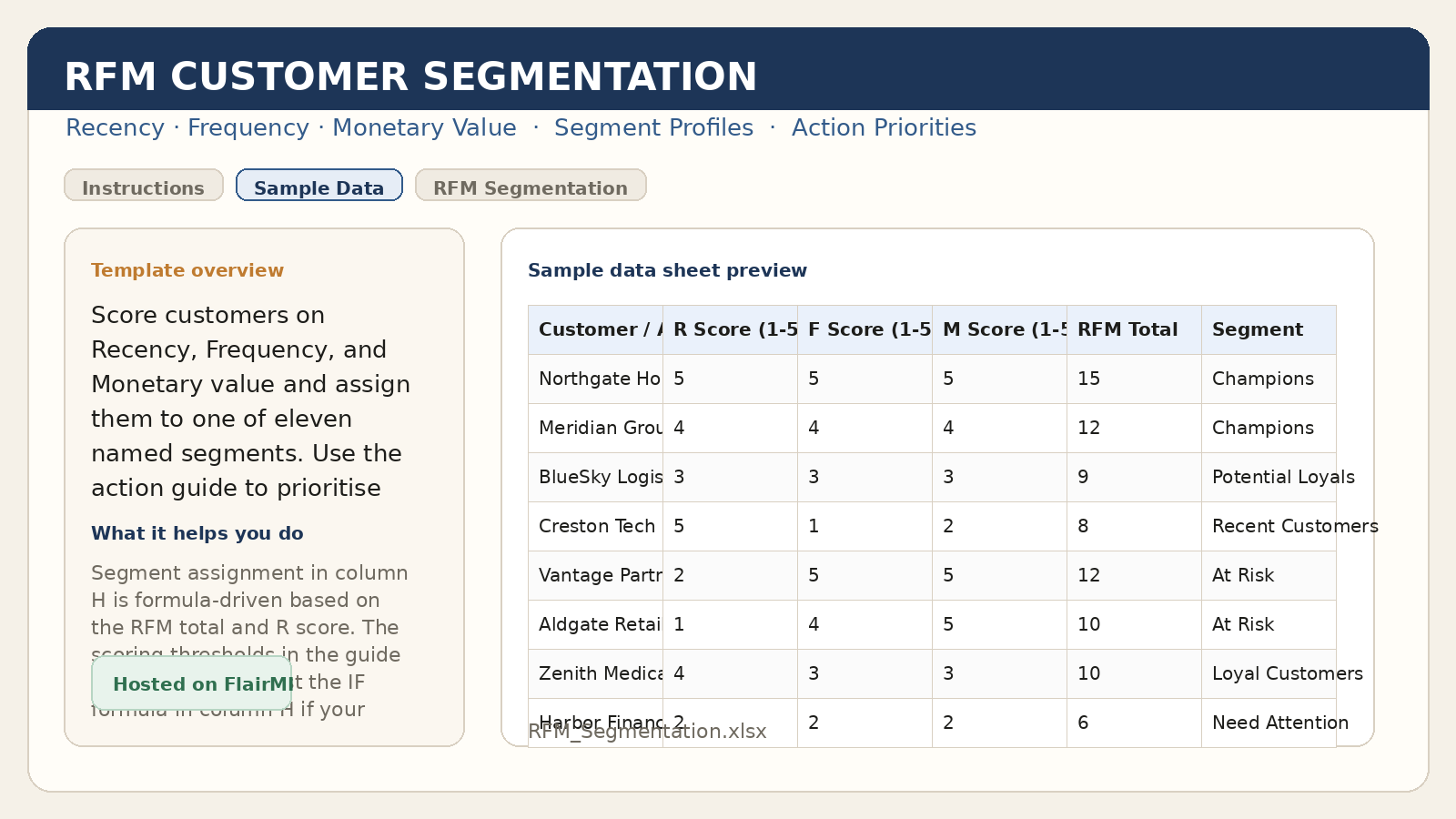
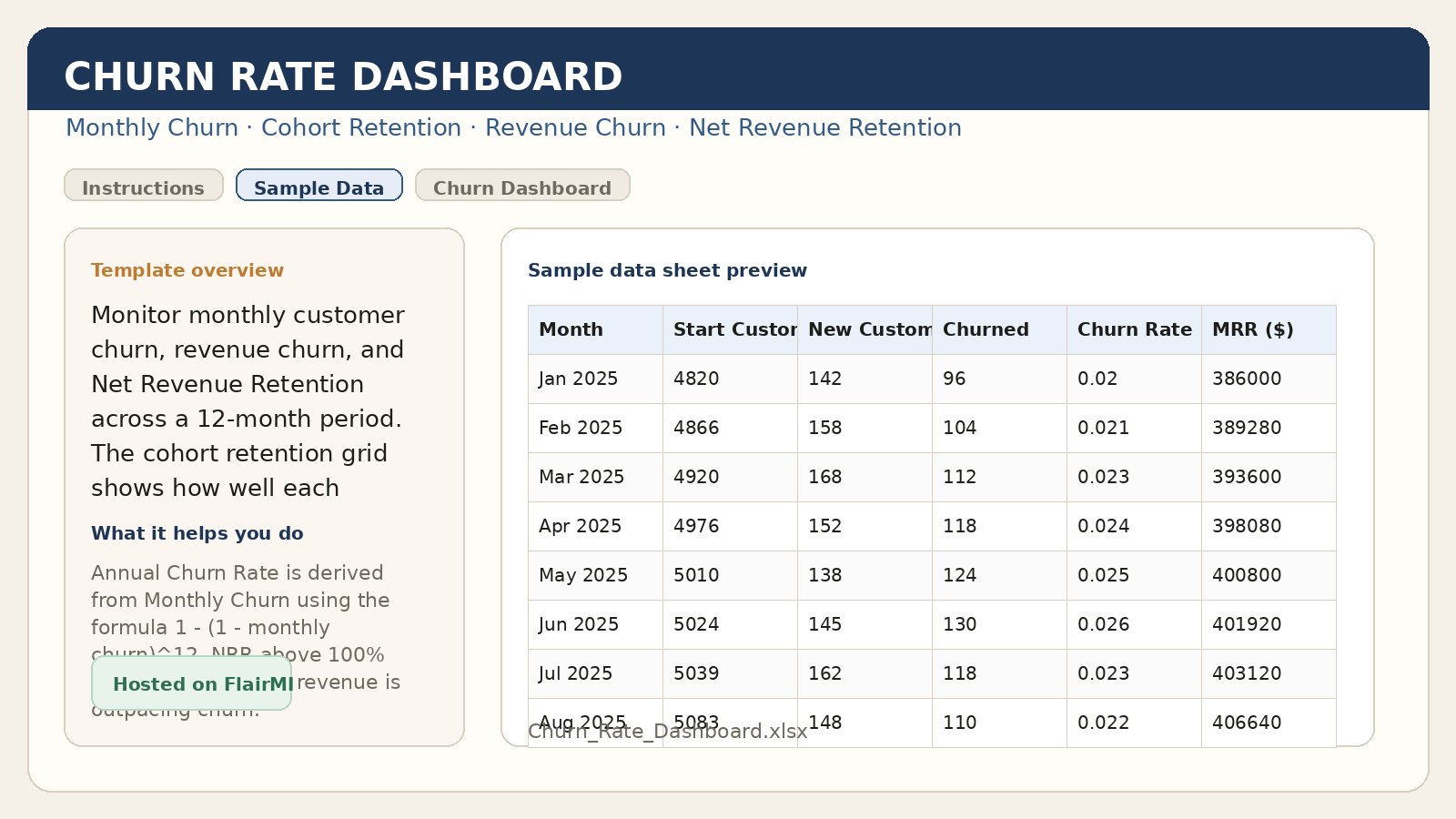
Monitor customer churn, revenue churn, and retention trends.
How The Templates Fit Into FlairMI
Templates such as the Sales Pipeline Tracker, Revenue Forecast Model, and Break-Even Analysis support KPI review, forecasting, and management reporting.
Campaign ROI, CAC, CLV, funnel, churn, and segmentation workbooks support practical channel review and customer analysis.
The same workbook line can be used in teaching, workshops, and internal training when a team wants more structured walkthroughs and examples.
Each workbook page links to the browser tool in the Marketing Toolkit Hub that works the same problem, so a team can move between the spreadsheet and the tool.
How To Use The Workbooks
- Download a workbook from its template page.
- Open it in Excel or LibreOffice Calc.
- Replace the example values on the
Sample Datasheet with your own data. - Keep the column headings unchanged so the formulas and dashboards continue to work.
Need Adaptation Or Training?
If you want help using these templates in teaching, consulting, or internal decision support, visit the Services page or use the home contact form.